Moments — A Minimalist Journaling App for macOS
A personal macOS journaling app built around a single constraint — the interface should disappear as quickly as possible. Privacy-first, timer-based, no cloud sync.
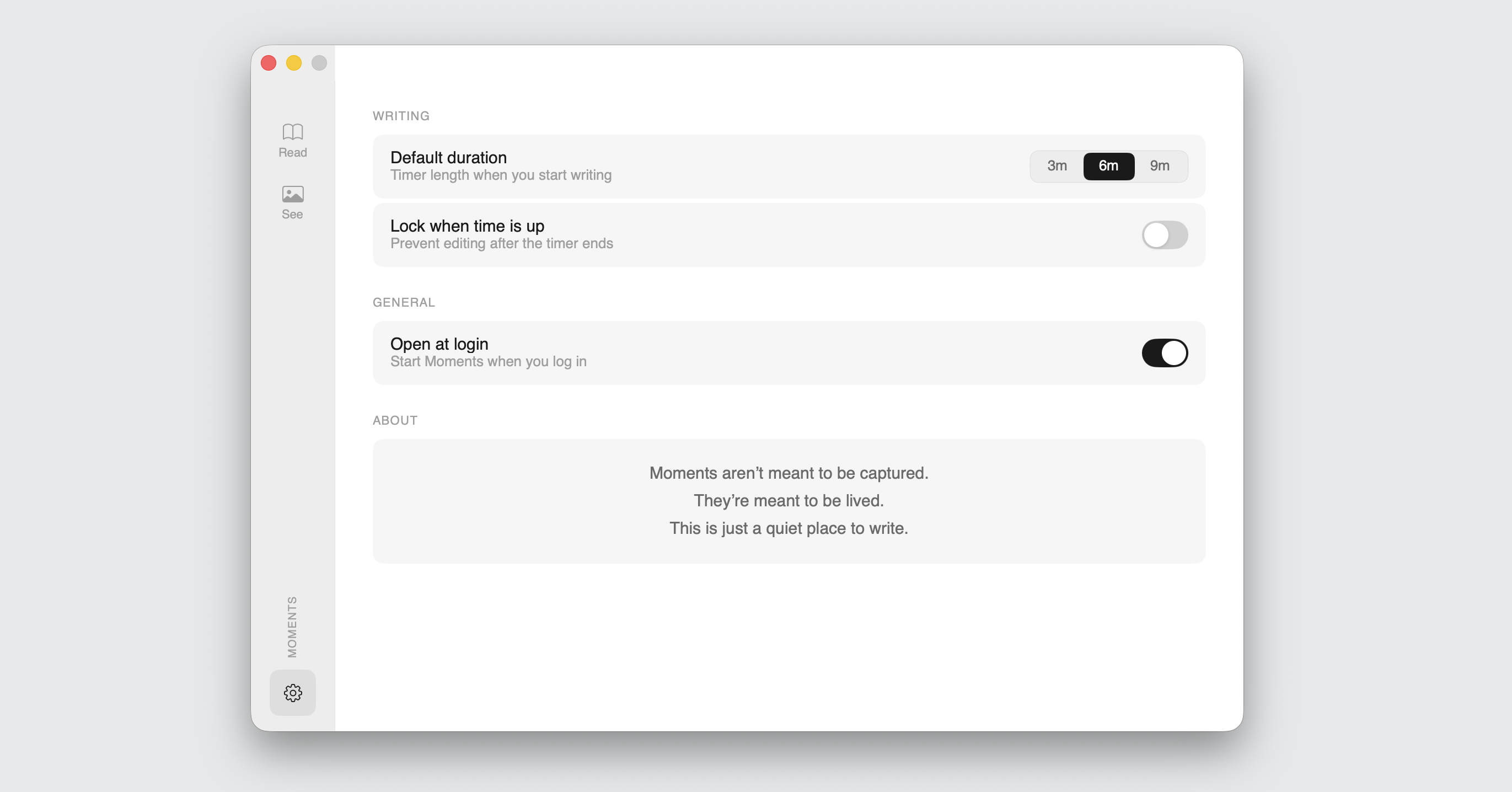
Moments is a macOS journaling app I’m designing and building together with Claude Code. The constraint is simple: the interface should disappear as quickly as possible. You write freely for a few minutes, and then you stop. No prompts, no structure, no cloud sync. The project is also a place to work out a different way of building software — where I make the product and design calls, and AI handles the implementation.
Most journaling apps ask too much. They want you to rate your day, tag your emotions, fill in templates, build streaks. By the time you’ve navigated the interface, the moment you wanted to capture has slipped away. Moments is built around a different idea — just a timer, a blank page, and whatever you needed to get out of your head.
The app is currently in development.
The challenge
Journaling is one of those habits that’s easy to start and hard to sustain. Most apps make the friction worse, not better. They’re built for editing and organizing, not for the act of writing itself.
The constraint I set for Moments was simple: the interface should disappear as quickly as possible. Everything that isn’t the writing should step back. That’s easy to say and genuinely hard to execute — every design decision either adds friction or removes it.
There was also a privacy constraint that mattered to me. I didn’t want a journaling app that syncs to a server, requires an account, or sends analytics anywhere. Moments stores everything locally, encrypts the database, locks on launch and when returning from background, and excludes the database file from iCloud backups. The entry text even blurs in the app switcher to prevent accidental leaks. Privacy isn’t a feature here — it’s a foundation.
The approach
The writing flow is a three-step sequence: pick a duration (3, 6, or 9 minutes), write until the timer ends, then optionally add context — mood, tags, a photo. After that, the session saves and you’re done.
The app lives in the macOS menu bar rather than the Dock. That placement is intentional — it keeps Moments available as a quick habit, not a destination you have to open.
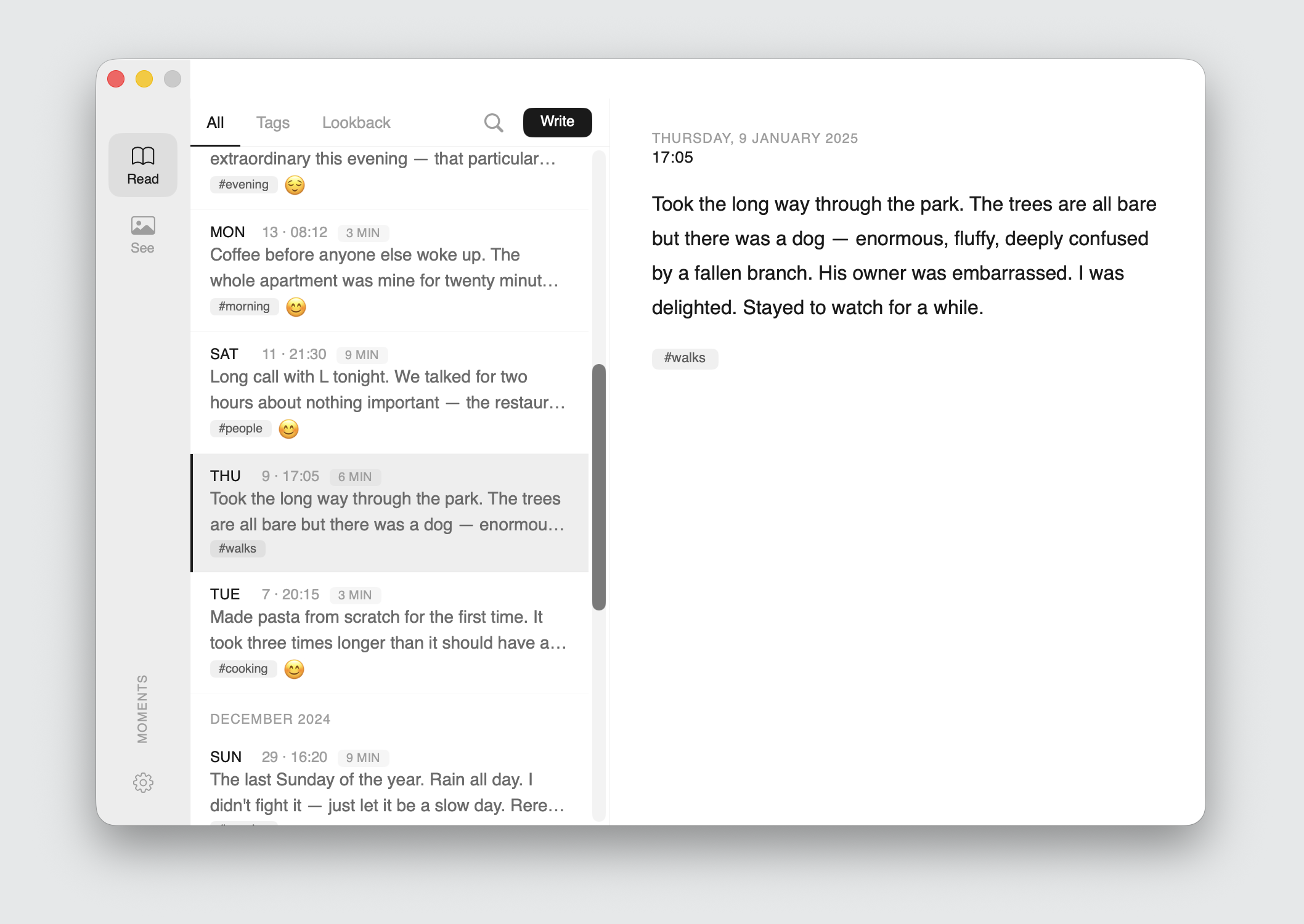
The navigation structure is built around four areas: Write (a dedicated button, not a sidebar item), Read (your entries, including a Lookback view showing what you wrote on this date in previous years), See (a photo gallery of entries that include images), and Settings. The Lookback feature was something I wanted from the start — a quiet way to encounter your past self, without any effort.
The visual direction went through two distinct phases. The first was a clean, system-native macOS aesthetic — warm, familiar, honest. The second moved toward what Apple has signalled as their next design language: translucent materials, backdrop blur, glass-like surfaces. The current direction leans toward the second, while keeping the writing canvas completely unadorned.
Process
The app went through five HTML prototype iterations before moving to native SwiftUI development. I make the product and design decisions; Claude Code handles the implementation. This split works well because the interesting design problems — what should and shouldn’t be in the interface, how the writing flow should feel, where privacy concerns touch the UX — are judgment calls that need a human. The code generation is fast, but the steering is what matters.
I produced a comprehensive spec document as the handoff artifact: exact pixel measurements, spacing values, color tokens for light and dark mode, corner radii, shadow values, animation curves, security architecture, and a phased build order for both macOS and the planned iOS version.
Current state
The macOS app is in active development. An iOS version is planned as a second phase, sharing the same data layer and design tokens but adapted for touch navigation and smaller screens.
The app isn’t finished, but the process itself is worth showing. Designing a native macOS application from scratch — with a clear philosophy, a privacy-first architecture, and a collaboration model built around AI-assisted development — is a different kind of project from enterprise UX work. It’s a place to experiment with things I wouldn’t get to try at Danfoss.